

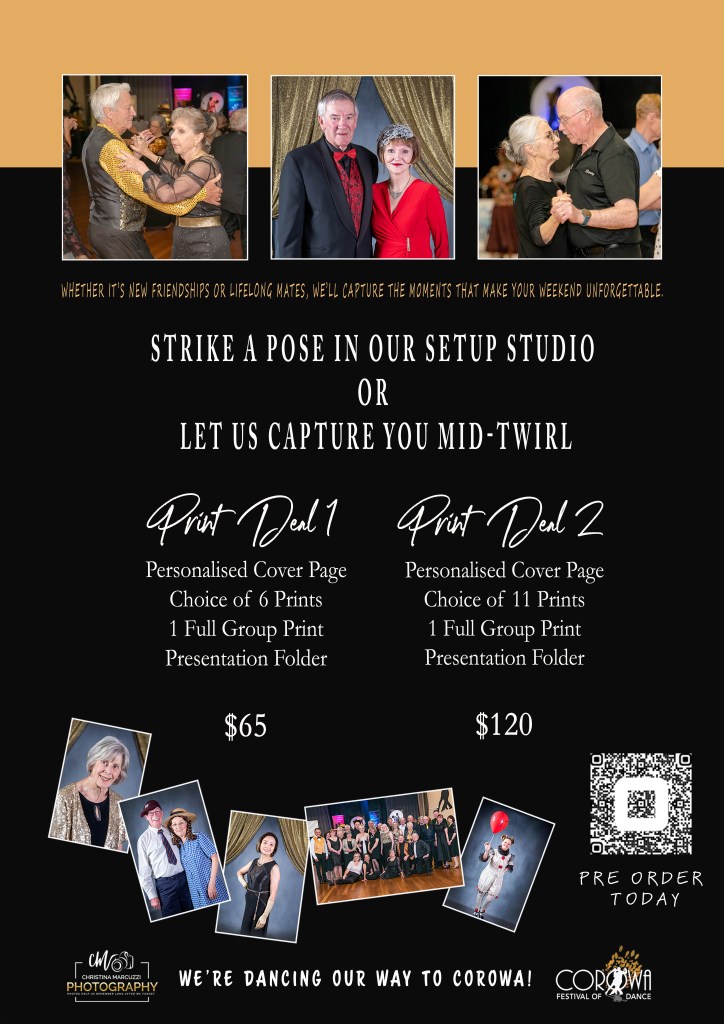
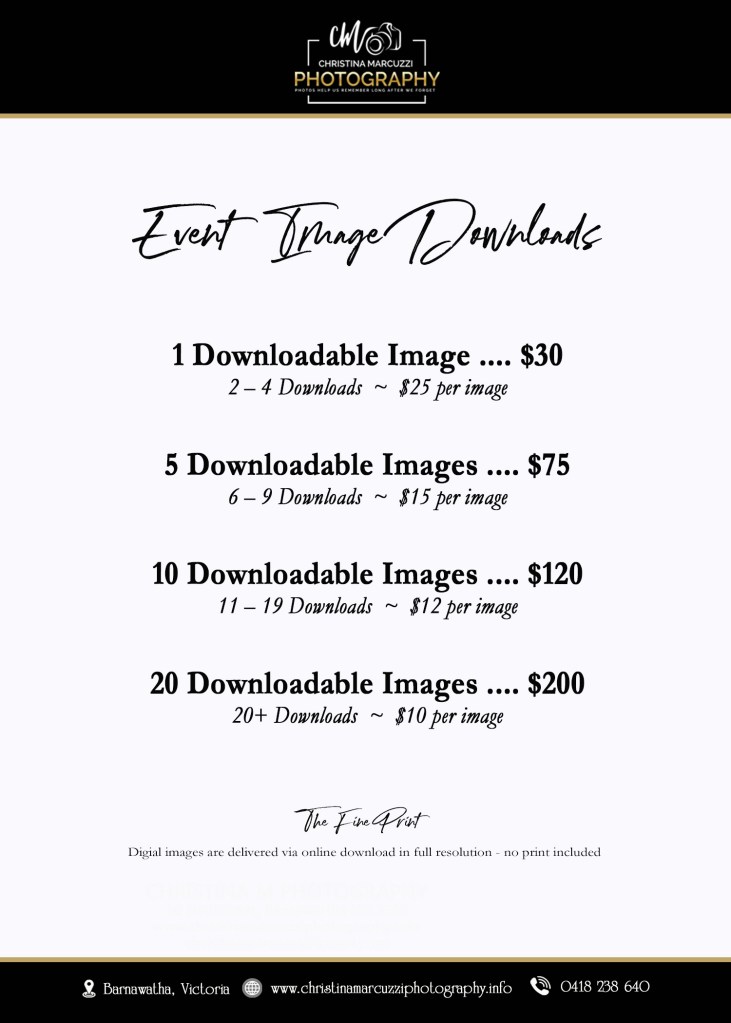
If you took advantage of the special offer available at the event, or made payment on the day, there is no need to use the shopping cart within the gallery. Your payment has already been received, so simply follow the instructions below to place your order.
Click the event date below to View Gallery of Images
HOW TO ORDER YOUR PREPAID PHOTOS
1. Open Your Event Gallery
- Click the “Button” labelled with your event date.
- Your gallery will open in your browser.
- Just below the event title, you’ll see several tabs that divide the images into sections.
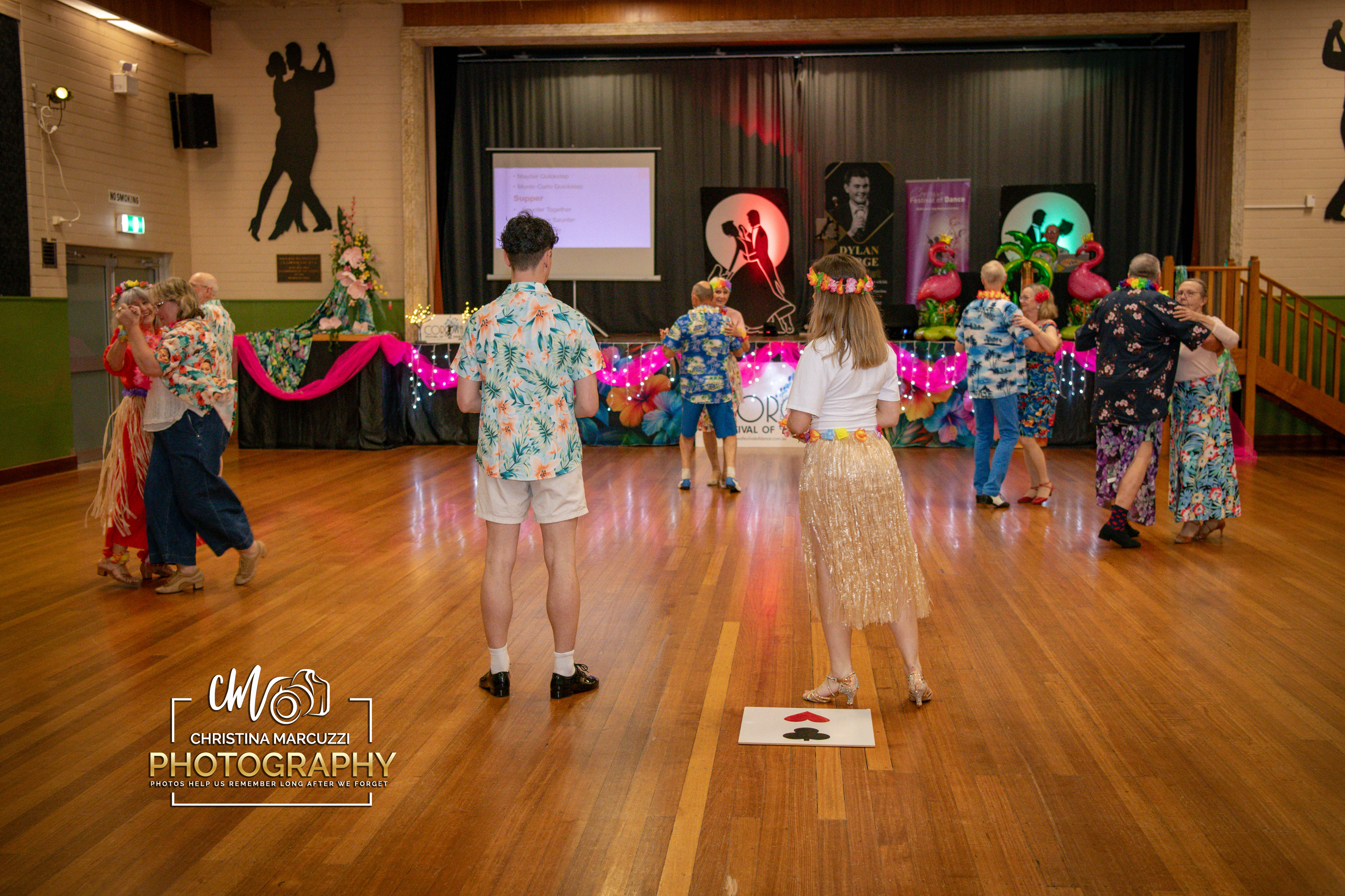
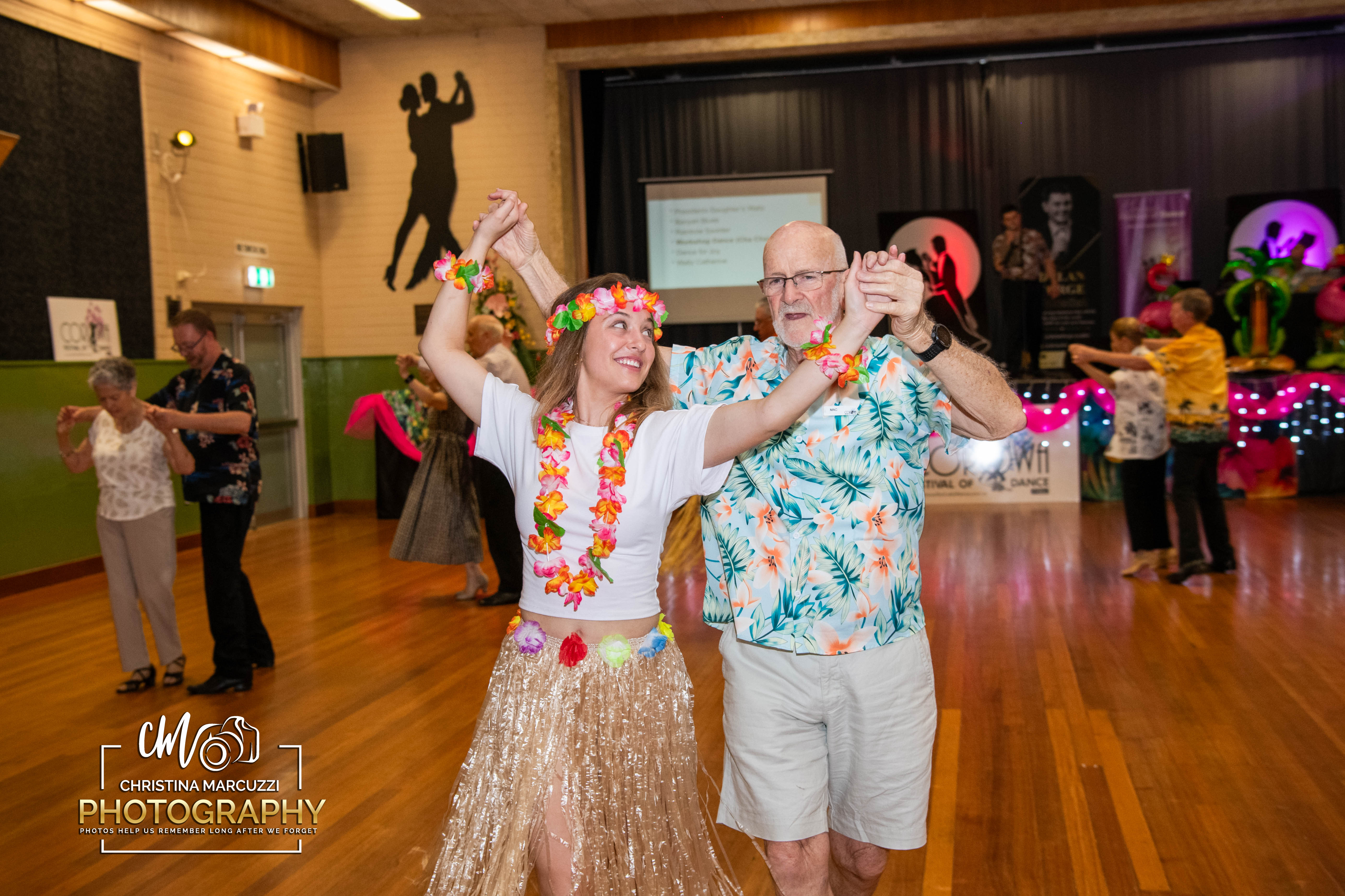
- Opening Tab will have all Live photos taken from the event on friday
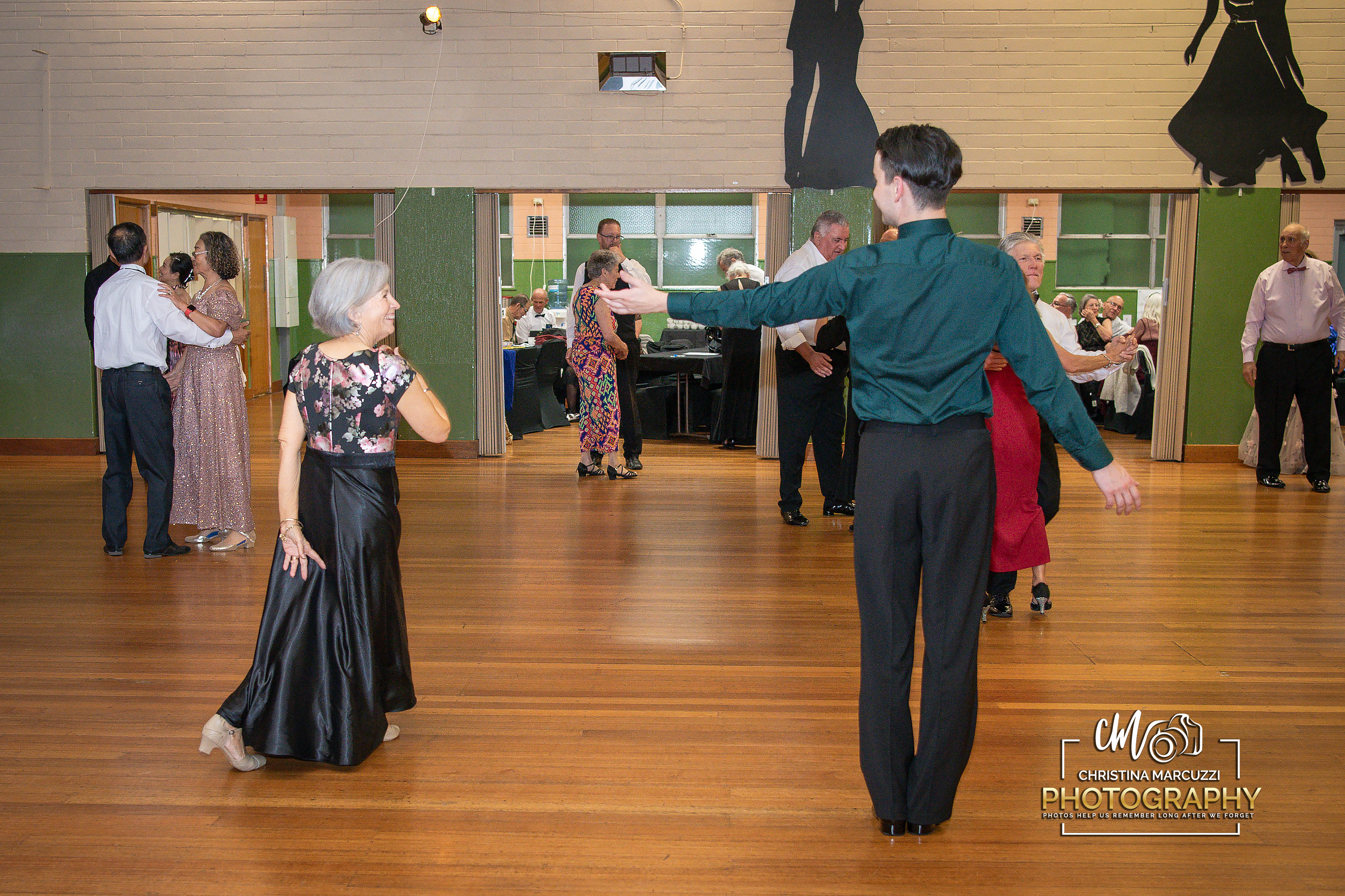
- Please see the tabs beside this section for the backdrop images for Friday, along with the live and backdrop images from Saturday.
2. Create Your Favourites List
- When you see an image you like, click the heart icon on that photo.
- A box will pop up asking for your email.
- Enter your email and click “Sign in”.
- This creates your personal Favourites folder, where all your hearted images will be saved.
- Continue browsing through all tabs, hearting any images of yourself that you may want to order.
3. Review Your Favourites
- Once you’ve finished going through the gallery, go back to the top of the page.
- On the right-hand side, across from the event title, you’ll see a heart icon with a green dot.
- Click this icon.
- Select “My Favourites”.
- You’ll now see all the images you have hearted.
- From here, select the images you would like included in your order. Please ensure the number of images selected matches the package you have purchased. If you would like to order additional images, simply leave them selected and I will contact you with an invoice for the remaining balance.
5. How Send Your Final Favourites List
- In your Favourites list, go to the top right corner.
- Click the arrow icon (the share button).
- Select “Send to Photographer”.
- Add a short message, telling me your name.
- If your order includes prints, please include your postal address here.
- Please note that postage costs are not included in the prepaid package and may incur an additional charge.
- Click “Send”.
Your completed order will be emailed directly to me, and I’ll be in touch to confirm everything.






You must be logged in to post a comment.